What is the best app to keep a parent’s medical records?
· 5 min read · Vita Health Coach
The short answer
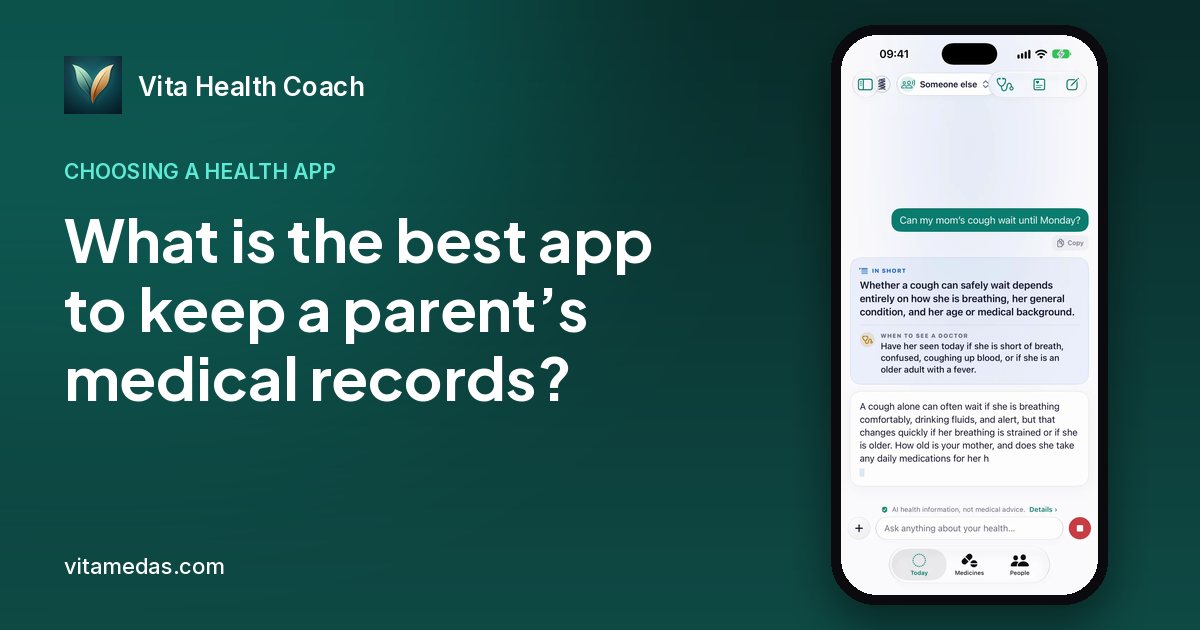
Look for an app that gives your parent a separate file, brings records in straight from their hospitals, takes photos of paper reports, explains results in plain words and keeps the data private. Vita Health Coach is built for exactly this: each adult connects their own US hospitals through the patient portal and can share their Vita profile with family, it keeps each person’s records in their own file, and explains every result in plain words with the short answer first.
What to look for in an app for a parent’s records
A good app for a parent’s medical records does three jobs. It gathers the records in one place, it keeps them up to date without extra work, and it helps you understand what they say. Privacy sits under all three.
These are the criteria that matter most when the records belong to someone else, such as a mother or father you help look after.
- A separate file for each person, so a parent’s records never mix with yours.
- A direct connection to the hospitals and clinics your parent uses, so results arrive without typing.
- A way to add paper reports by taking a photo.
- Plain-language explanations of each result, compared with the last one.
- A medicine list with dose times and reminders.
- Safe sharing with a doctor that you can switch off.
- Clear privacy rules: no ads, no sale of health data, strong encryption.
Why each of these matters
A separate file per person matters because many caregivers look after more than one person. If a parent’s results land in your own file, it becomes hard to tell whose number is whose, and easy to share the wrong thing with a doctor.
A direct hospital connection matters because typing results by hand does not last. Most families start with good intentions and stop after a few weeks. Records that come in on their own stay current.
Photos of paper reports matter because not every result lives in a portal. Older records, small labs and care abroad often exist only on paper.
Plain explanations matter because a number on its own does not tell you what to do. Seeing it next to the last result tells you far more than a single high or low flag.
Privacy matters because these records may hold diagnoses, medicines and notes from many years. Many consumer apps are not covered by HIPAA, the federal health privacy law, so the app’s own policy is what protects your parent.
Questions to ask before you choose
Spend ten minutes with these questions before you put a parent’s records into any app. Vague answers are a warning sign.
- Can I keep a separate file for my parent, and for others I look after?
- Which hospitals can it connect to, and does my parent’s hospital appear in the list?
- Do I sign in on the hospital’s own page, or does the app ask for the password?
- Do new results come in on their own?
- Does it explain results, or only store them?
- Can I share a record with a doctor and then turn the sharing off?
- Can I delete everything if I stop using it?
A privacy checklist for a parent’s health data
Read the privacy policy for a few specific answers. You do not need to read every word.
- Health data is never sold.
- Health data is never used for advertising, and the app shows no ads.
- Records are encrypted, and you know who holds the key.
- The app never sees the hospital portal password.
- Shared links can be switched off at any time.
- You can delete the account and the records.
How Vita Health Coach does it
Vita Health Coach is an iPhone and iPad app from VitaMedas, Inc. It gives each person their own file: a parent, a partner, a child or yourself.
For US care, Vita connects hospitals and clinics through each hospital’s patient portal using SMART on FHIR, a standard way for health apps to connect to hospital records. You sign in on the hospital’s own page, and Vita never sees the password. About 96,000 US hospitals and clinics are in its hospital list. Several hospitals can be connected, and their records sit together in that person’s file.
Lab results, medicines, allergies, conditions, immunizations and visit summaries come in, and new results come in on their own. For care anywhere else in the world, you can photograph a paper report.
Every result is explained in plain words and compared with the last one. The short answer comes first: can this wait, or is it time to see a doctor, and how soon. You can ask by voice or text in 28 languages.
Each person also has a medicine tracker with the list, dose times, reminders and how many are left. You can share a record with a doctor through a code-protected link you can switch off. Records are sealed on the phone with a key only that phone holds. There are no ads, and health data is never sold.
What Vita Health Coach does not do
Vita explains; the doctor decides. It never diagnoses and never prescribes. It does not replace your parent’s doctor or tell you to change a medicine.
Hospital connections are for US hospitals and clinics. Records from other countries come in as photos of paper reports. If your parent has chest pain, trouble breathing, sudden confusion or signs of a stroke, call 911 instead of opening any app.
Getting started
Your parent downloads Vita Health Coach from the App Store, searches the hospital list for their hospital and signs in on the hospital’s own page. They can share their Vita profile with you through a family link. With the family access the hospital has given you, you can also add a photo or PDF of each report to their file in your own account. Vita is free to try, with paid plans in the App Store.
Questions people ask
- Can one app hold records from all of my parent’s hospitals?
- If the hospitals are in the US and offer a patient portal, your parent can connect several of them in their own Vita Health Coach account, and their records sit together in one file, which they can share with you as their Vita profile through a family link. Paper reports from anywhere can be added as photos.
- Do I need my parent’s permission?
- Your parent connects their own hospital in their own Vita account, signing in on the hospital’s page, and can share their Vita profile with you through a family link. With family access from the hospital, you can add a photo or PDF of each report yourself. Vita never sees a portal password.
- Is my parent’s data used for ads?
- No. Vita Health Coach shows no ads and never sells health data. Records are sealed on the phone with a key only that phone holds.
- Does the app tell me what is wrong with my parent?
- No. It explains results in plain words and says how soon a doctor should look at them. It never diagnoses or prescribes.
Related on vitamedas.com
Sources
Vita Health Coach is an iPhone app that keeps a parent’s hospital results in their own file and explains each new one in plain words. Free to try; paid plans in the App Store.
Vita Health Coach on the App StoreAsk it in ChatGPT
Vita Health Coach also answers in ChatGPT. One tap opens ChatGPT with this question ready to send:
“How do I connect my parent's hospital records to one app?”
General health information, not medical advice. Vita Health Coach explains; it never diagnoses. In an emergency, call 911 or your local emergency number. Read the medical disclaimer.