Which app connects records from several US hospitals?
· 4 min read · Vita Health Coach
The short answer
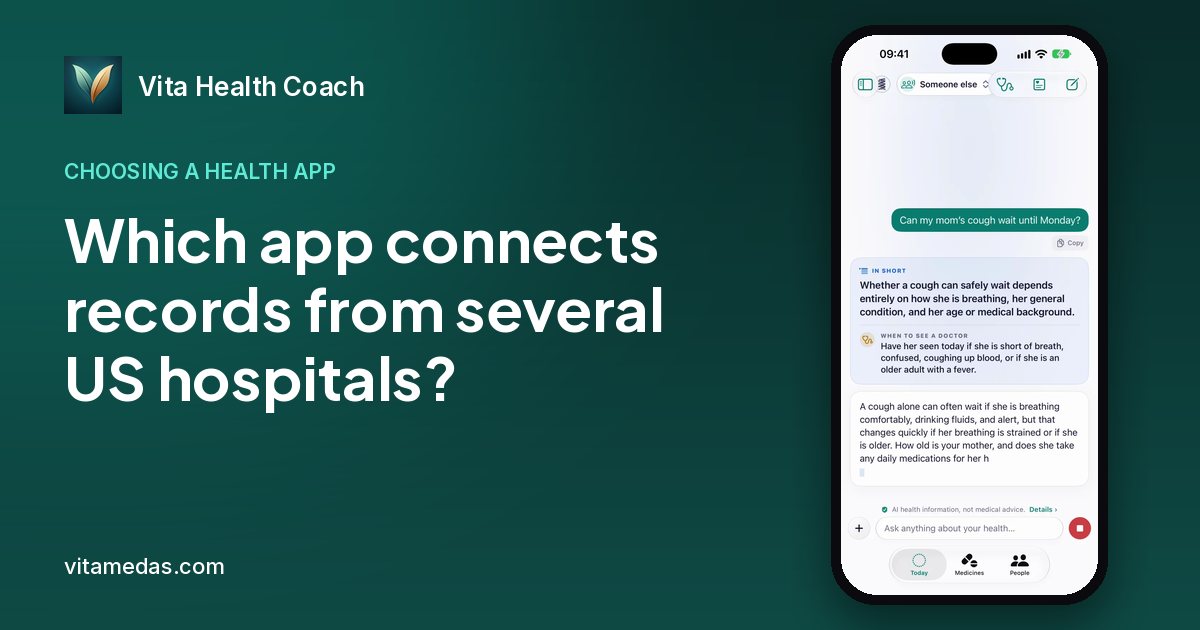
Look for an app that connects through each hospital’s patient portal with SMART on FHIR, lets you sign in on the hospital’s own page, has your hospitals in its list and keeps every hospital’s records together in one person’s file. Vita Health Coach is built for exactly this: about 96,000 US hospitals and clinics are in its hospital list, several can be connected, and their records sit together in that person’s file.
What to look for
Federal rules under the 21st Century Cures Act require certified hospital record systems to offer a standard way for patients to reach their own records through an app. That standard is usually SMART on FHIR. FHIR is a common format for health data, and SMART is a secure way to sign in and give an app permission.
In practice, you pick the hospital in the app, the hospital’s own sign-in page opens, and you sign in with the patient portal account. The hospital then gives the app permission to read the records. The app never needs the password.
These are the criteria that matter when the records come from more than one US hospital.
- It uses each hospital’s patient portal and the SMART on FHIR standard.
- You sign in on the hospital’s own page, never inside the app.
- Its hospital list is large enough to include the hospitals and clinics your family uses.
- Several hospitals can be connected for the same person.
- Records from every hospital sit together in that person’s file.
- New results come in on their own after the first connection.
- Each person you look after has a separate file.
Why each criterion matters
The standard connection matters because it is the route federal rules created for patients. It works the same way at many hospitals, and the hospital stays in control of the sign-in.
Signing in on the hospital’s page matters because a portal password should never be handed to anyone else. The hospital checks who you are and gives the app limited permission.
Several hospitals in one file matter because each health system keeps its own record. A parent who sees a heart doctor at one system and a family doctor at another has two separate records. Doctors at one place often cannot see results from the other unless someone brings them.
Automatic updates matter because a record that stops at the day you connected it soon goes out of date.
Questions to ask before you connect
What each hospital shares can differ. Lab results, medicines, allergies and conditions are common, while some notes and images may not come through.
- Are all of my parent’s hospitals and clinics in the app’s list?
- Does my parent have a portal account at each one, or have I been given family access?
- Which kinds of records come in from each hospital?
- Can I disconnect a hospital later?
A privacy checklist for connected records
- The app never sees or stores the portal password.
- Records are encrypted, and you know who holds the key.
- No ads, and health data is never sold.
- Sharing with a doctor can be switched off.
- You can delete the records and the account.
How Vita Health Coach does it
Vita Health Coach is an iPhone and iPad app from VitaMedas, Inc. It connects US hospitals and clinics through each hospital’s patient portal using SMART on FHIR. You sign in on the hospital’s own page, and Vita never sees the password. About 96,000 US hospitals and clinics are in its hospital list.
You can connect several hospitals for the same person, and their records sit together in that person’s file. Lab results, medicines, allergies, conditions, immunizations and visit summaries come in, and new results come in on their own. A parent, a partner, a child and you each have a separate file.
Every result is explained in plain words and compared with the last one, with the short answer first: can this wait, or is it time to see a doctor, and how soon. You can share a record with a doctor through a code-protected link you can switch off. Records are sealed on the phone with a key only that phone holds, there are no ads, and health data is never sold.
What Vita Health Coach does not do
Hospital connections are for US hospitals and clinics. Records from other countries can be added by photographing paper reports. Vita explains records; the doctor decides. It never diagnoses and never prescribes, and in an emergency you should call 911.
Getting started
Each adult connects their own hospitals in their own Vita Health Coach account: search the hospital list for each hospital or clinic, and sign in on that hospital’s own page. Repeat for each hospital; the records gather in the same file. A parent can connect their children under 14, and an adult can share their Vita profile with family through a family link. Vita is free to try, with paid plans in the App Store.
Questions people ask
- Can I connect my parent’s records from two different hospitals?
- Yes. In Vita Health Coach each adult can connect several US hospitals in their own account, and a parent can do the same for their children under 14. The records sit together in that person’s file.
- Does the app need my parent’s portal password?
- No. You sign in on the hospital’s own page, and Vita Health Coach never sees the password.
- What if my parent’s hospital is not in the list?
- About 96,000 US hospitals and clinics are in the list. If a hospital is missing, you can still photograph its paper reports, or ask the records office for copies.
- Can I connect a hospital outside the US?
- No. Hospital connections are for US hospitals and clinics. Reports from elsewhere can be added as photos.
Related on vitamedas.com
Sources
Vita Health Coach is an iPhone app that keeps a parent’s hospital results in their own file and explains each new one in plain words. Free to try; paid plans in the App Store.
Vita Health Coach on the App StoreAsk it in ChatGPT
Vita Health Coach also answers in ChatGPT. One tap opens ChatGPT with this question ready to send:
“How do I connect my parent's hospital records to one app?”
General health information, not medical advice. Vita Health Coach explains; it never diagnoses. In an emergency, call 911 or your local emergency number. Read the medical disclaimer.